
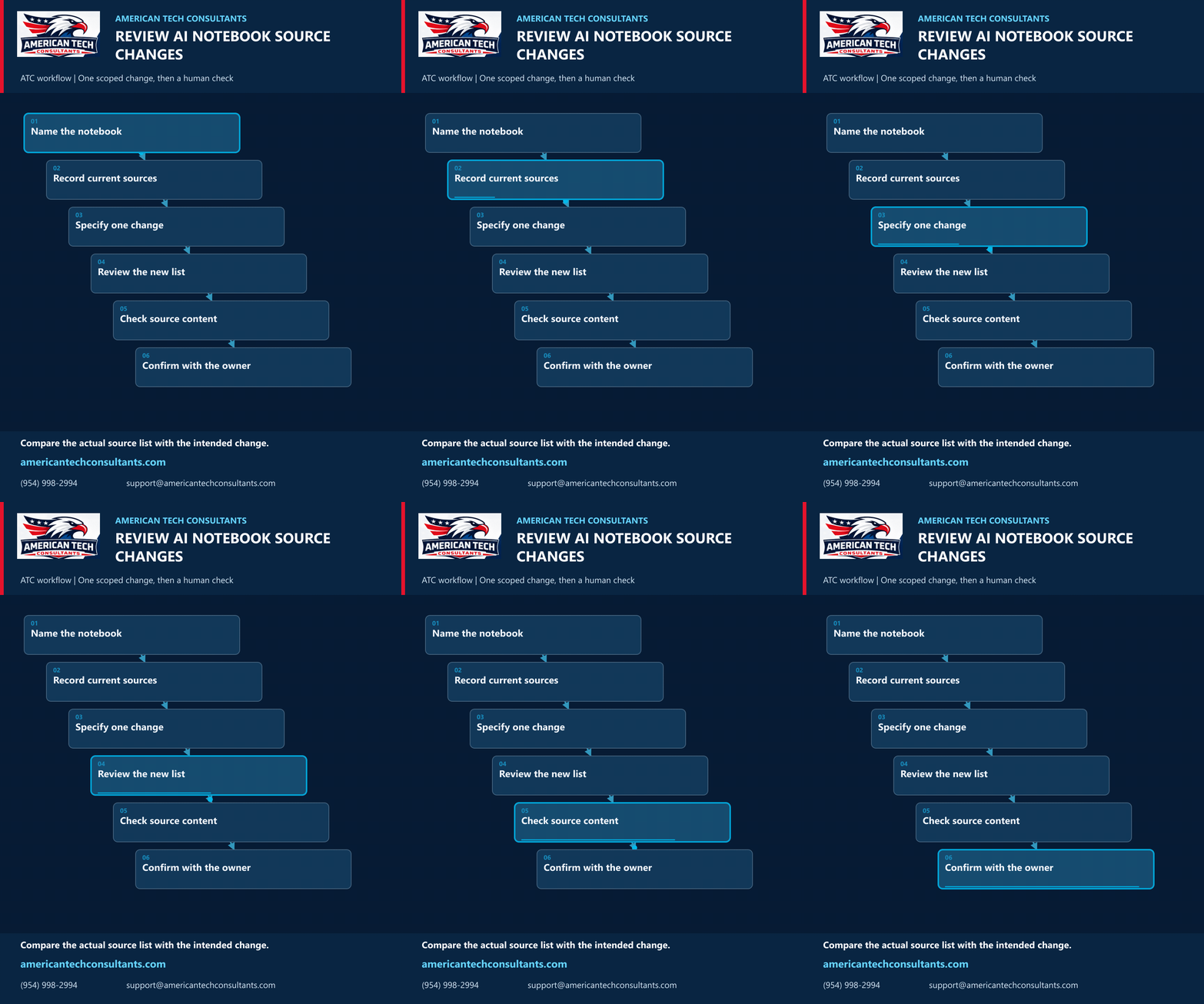
Review AI notebook source changes: an ATC workflow
Google’s October 23 Gemini Notebook integration lets users manage notebook sources from a Gemini chat. For a business team, a useful pilot is to check whether one intended source change produced the expected result.
ATC workflow: inspect before and after
- Name the notebook. Use an approved test notebook and identify it clearly. Confirm that you are working in the intended account and have permission to change its contents.
- Record current sources. Keep a short inventory of source titles, links and versions before the request. This gives the reviewer a comparison point.
- Specify one change. For example, ask to add one approved, non-sensitive project brief. Name the exact source and notebook. Avoid combining additions, replacements and deletions in the first test.
- Review the new list. Open the notebook and compare its actual sources with the inventory. Check for duplicates, missing items or changes beyond the request; do not rely only on the chat’s completion message.
- Check source content. Open the added source and confirm that it is the intended version and contains the expected material. A correct title alone is not enough.
- Confirm with the owner. Record the request and observed result. If anything differs, stop further changes and have the notebook owner decide how to correct it. Expand the pilot only after review.
This is ATC’s suggested review method, not a built-in audit or recovery guarantee. Keep independent copies of important originals according to your team’s practices. This example does not require testing deletion.
Context: Google Workspace announcement, October 23, 2026, verified October 26. Product availability and access settings are covered in the source; the six-step review method is ATC guidance.
American Tech Consultants | americantechconsultants.com | (954) 998-2994 | support@americantechconsultants.com