Apple Wallet Turns Membership Cards Into Digital Passes
Apple Wallet Turns Membership Cards Into Digital Passes
Apple’s latest iOS 27 update introduces a handy way to digitize your membership cards. By snapping a photo or taking a screenshot, you can create a digital pass in Apple Wallet, but the feature isn’t universal—only certain cards are eligible.
How the Feature Works
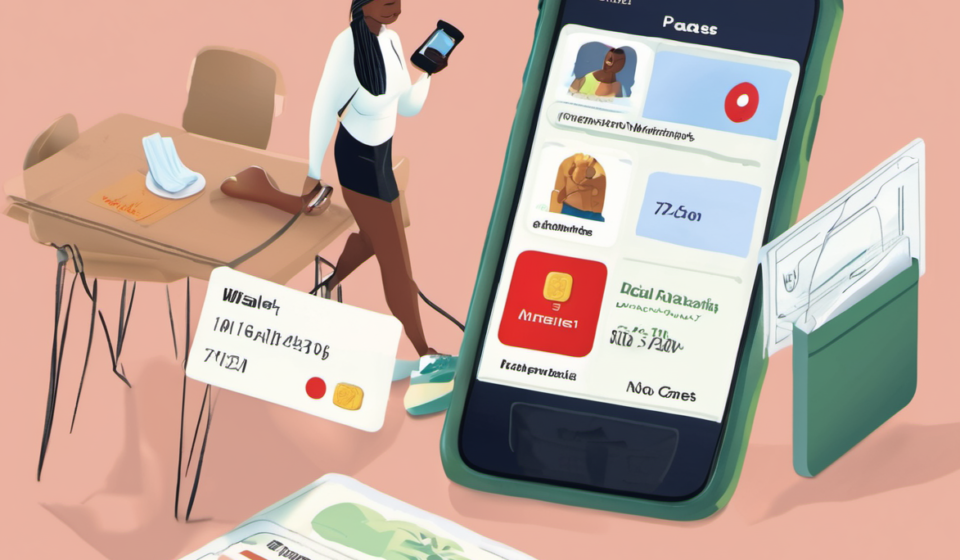
With iOS 27, the Apple Wallet app now supports a “Create Pass” option. Users simply open the app, tap the plus icon, and choose the card they want to digitize. The system reads the card’s information from the image and generates a pass that can be stored on your iPhone or Apple Watch. The pass can be used at the same venues as the physical card, making it a convenient alternative for frequent travelers, gym members, and club-goers.
Eligibility and Limitations
Not every membership card can be converted. Apple has not released a definitive list of qualifying cards, but early reports suggest that cards with clear barcodes, QR codes, or simple text fields are more likely to be accepted. Cards that rely on complex security features—such as magnetic strips or embedded chips—may not be compatible. Users should test the feature with their specific card to confirm compatibility.
Benefits of Digital Passes
Digitizing membership cards offers several advantages. First, it reduces the clutter of physical cards, freeing up space in wallets and bags. Second, digital passes are easier to share; you can forward a pass to a friend or family member with a tap. Finally, Apple Wallet’s built‑in security keeps your pass encrypted, so you don’t have to worry about losing a card or having it stolen.
Potential Drawbacks
While convenient, digital passes can pose challenges. If you lose your phone or it gets stolen, you may lose access to all your passes unless you have a backup. Additionally, some venues may still require a physical card for verification, especially if the digital pass isn’t recognized by their scanning systems. It’s wise to keep a backup card for critical memberships.
What to Do If Your Card Isn’t Supported
If your card doesn’t convert, you can still use Apple Wallet’s “Add Card” feature for credit and debit cards, loyalty cards, and event tickets. For membership cards that remain unsupported, consider contacting the issuer to see if they plan to support digital passes in the future. Many companies are moving toward digital solutions, so it’s possible that support will expand over time.
Getting Started
To try the feature, update to iOS 27, open Apple Wallet, tap the plus sign, and select “Create Pass.” Follow the prompts to capture an image of your card. Once the pass appears, you can add it to your watch or share it with others. If you encounter issues, consult Apple’s support page or the card issuer’s help resources.
For more information on how technology is reshaping everyday tools, check out Fox News Tech.
Explore AI integration, technology consulting, and IT services from American Tech Consultants. Explore American Tech Consultants